

If you run a small business, you already know the support crunch: customers expect answers in minutes, not hours, but you cannot afford a team around the clock. This is exactly where AI agents for customer support have become the practical answer in 2026. Zendesk’s CX Trends 2026 report found 88% of customers expect faster response times than a year ago, and 74% say AI has made them expect service 24/7. An AI support agent reads a customer’s question, finds the answer in your own help content, and either replies or hands the case to a person. This guide shows you how to use AI agents for customer support step by step, which tools fit small budgets, and which mistakes to avoid.
Why Small Businesses Need AI Support Agents in 2026
Customer expectations jumped, not drifted: most customers will now leave a brand after a single unresolved issue. For a two-person business, putting one person on support is a full-time salary plus burnout; ignoring messages costs sales and reviews. AI agents fill the gap: routine questions answered in seconds, tickets sorted and prioritised automatically, your team touching only the conversations that need a human. Start with AI-written drafts, decide which topics must always reach a person, test on real past tickets before going live — and you get big-company responsiveness on a small-business budget.
What AI Agents for Customer Support Actually Do
Think less “chatbot with canned replies” and more “junior support rep that never sleeps.” Unlike a basic AI assistant, a support agent plans, looks things up, and acts:
- Answers FAQs 24/7 — hours, pricing, shipping, returns — from your own knowledge base
- Qualifies and routes tickets: tags them, sets priority, sends each to the right person
- Drafts replies for your team to approve in one click
- Follows up automatically on open tickets and abandoned carts
- Summarises long conversations so you can jump in with full context
How to Use AI Agents for Customer Support: 6 Steps
You do not need a technical team. Here is the step-by-step plan that works for small businesses.
Step 1 — Pick one repetitive support task
Look at your inbox for a week. Which questions repeat? “Where is my order?”, “What are your hours?”, “How do I reset my password?” — pick the one you answer most often. Automating one painful, high-volume workflow well beats launching five half-working ones. Start small, measure the time saved, then expand.
Step 2 — Collect your real answers into a knowledge base
An AI agent is only as good as the answers you give it. Gather your FAQs, help articles, shipping and refund policies, plus a dozen past tickets with good replies. Most tools — Zendesk AI, Gorgias AI, eesel AI — let you point the agent at your help centre and website so it pulls answers from your own content instead of guessing. This is how you avoid the hallucination problem that ruins bad AI rollouts.
Step 3 — Choose a tool that fits your current helpdesk
Pick a tool that plugs into what you already use: Zendesk AI if you run Zendesk, Gorgias AI for ecommerce stores on Shopify or WooCommerce, or eesel AI to add AI on top of your existing setup without migrating. There are also no-code options for WhatsApp, Messenger, and website chat. Start with a free trial and one channel — your website chat is the usual first choice.
Step 4 — Set guardrails: drafts first, people decide
Decide up front which topics must always reach a person — refunds above a limit, complaints, anything legal. Start the agent in “draft mode”: it writes replies, you approve them in one click. Add a fallback line like “Let me check with our team” for anything uncertain, and connect only the apps the job needs — keep payment and personal records out until you know where the data goes. Keep the approvals with you until the agent has earned trust.
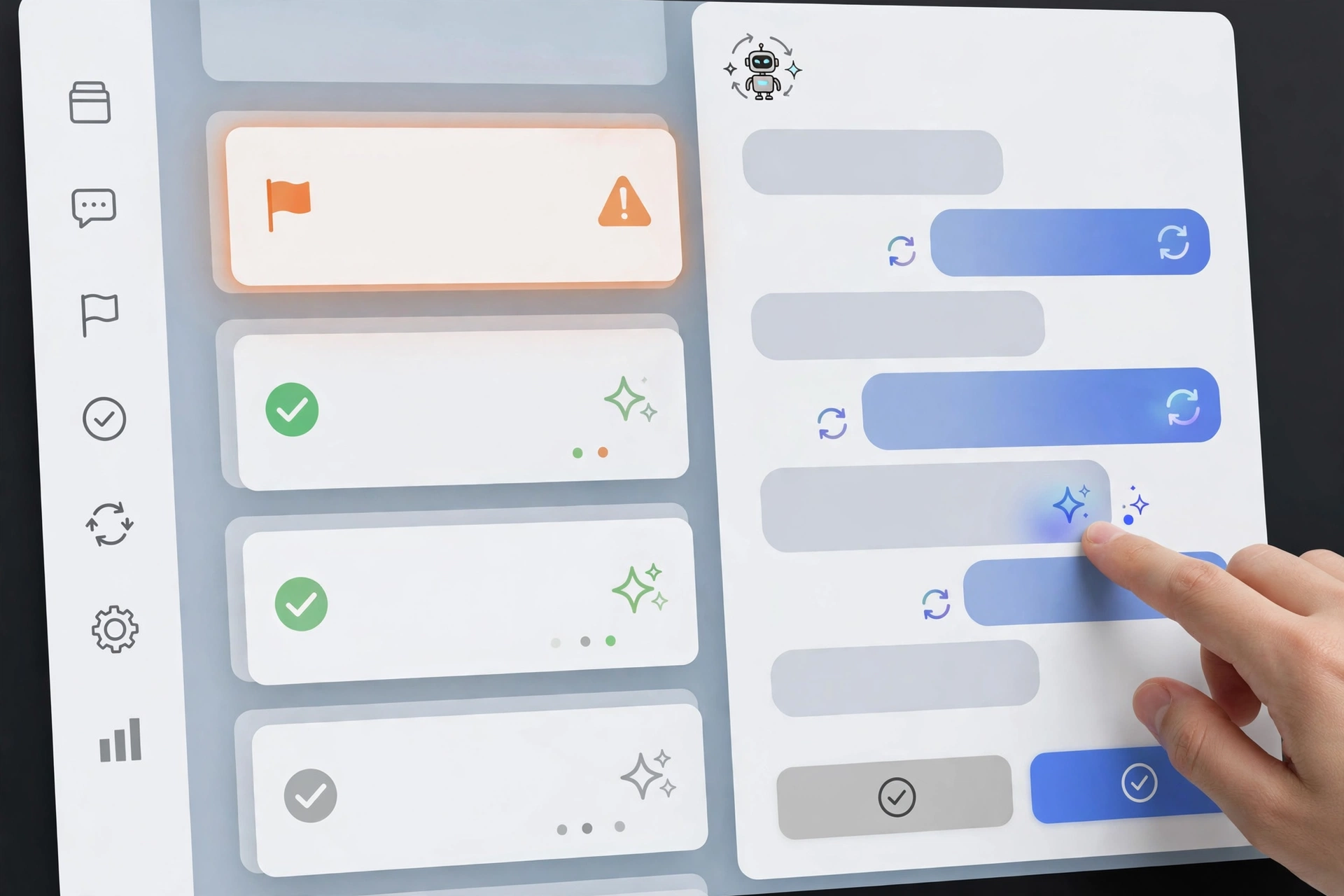
Step 5 — Test on real past tickets before going live
Run 50–100 real past tickets through the agent and review every answer. This catches gaps in your knowledge base fast: every wrong answer tells you exactly which help article to write next. Do not skip this — testing on made-up questions hides the real weak spots and is how broken rollouts happen.
Step 6 — Launch quietly, then measure what matters
Turn the agent on for a small slice of traffic first. Measure more than resolution rate: first-response time, escalation rate, satisfaction scores after AI replies, and hours saved per week. If one answer type keeps escalating, tighten the guardrail or fix the help article behind it. Scale to more channels only after the numbers are healthy.
Best AI Agent Tools for Small Businesses in 2026
You do not need enterprise budgets: Zendesk AI (great if you already run Zendesk), Gorgias AI (strong for ecommerce support), eesel AI (adds AI to your existing helpdesk without migration), and ChatGPT-based agents (flexible no-code route for website and WhatsApp chat). Most offer free trials, and entry plans typically run $10–50 per month or per resolved conversation. Paired with the wider best AI tools for small businesses, the ROI is simple: save four hours a day of routine replies and the tool pays for itself many times over.
4 Mistakes to Avoid With AI Customer Support Agents
- Letting it answer from thin air — always connect your own content first; an agent with no knowledge base is a liability.
- Hiding the AI — always disclose customers are talking to an AI and offer a human anytime.
- Automating angry customers first — keep complaints and disputes human from day one; AI earns the easy tickets first.
- Feeding it sensitive data unchecked — keep payroll, payment, and personal records out until you know where the data goes.
FAQs About AI Agents for Customer Support
How much does an AI customer support agent cost?
Most tools have free trials, and entry plans start around $10–50 per month or per resolved conversation — a fraction of one support hire.
Will an AI agent replace my support team?
No — the winning 2026 setup is hybrid: AI handles the repetitive 60–80%, people handle judgement calls, complaints, and relationships.
Do customers hate talking to AI support?
They hate bad support, not AI. Fast, accurate answers satisfy them; a broken bot does not. Always offer an escape to a human.
Final Word
AI agents for customer support are no longer a big-company luxury — they are the most practical hire a small business can make in 2026. Start with one repetitive task, train the agent on your real answers, keep humans in the loop, and measure what matters. Once that works, you can automate more repetitive tasks across the business. Do it right, and 24/7 support stops being a fantasy and becomes your competitive edge.