
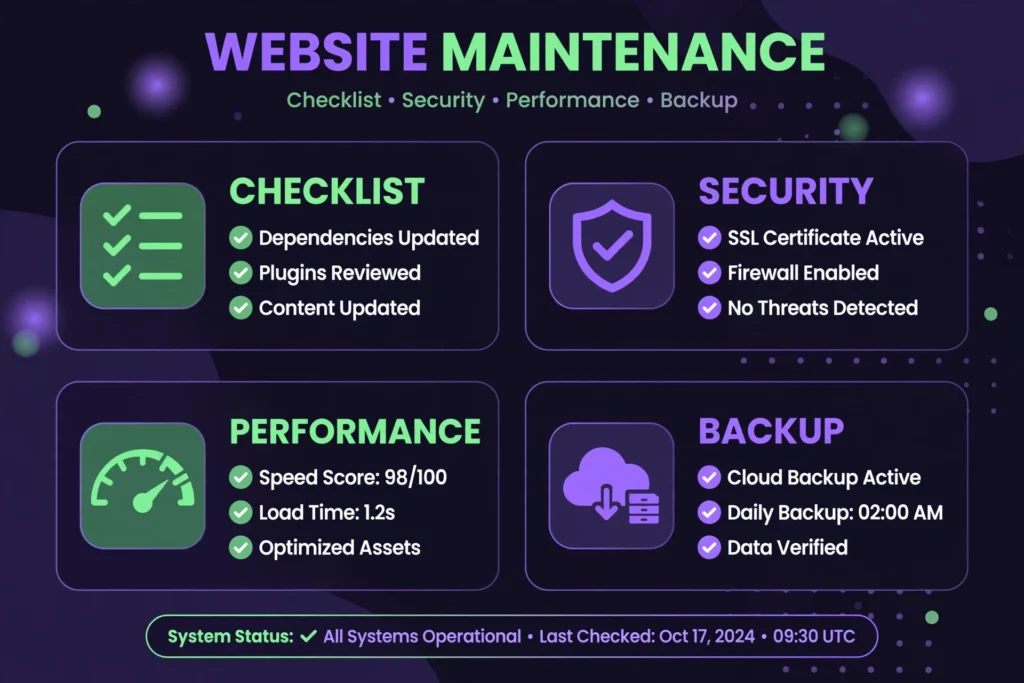
Most WordPress sites do not get hacked or slow down overnight — they rot slowly from neglected maintenance. This WordPress maintenance checklist covers the 12 tasks to run every month to keep your site fast, secure, and ranking.
1. Verify Automated Backups Actually Work
Backups you have never tested are not backups. Monthly, confirm your backup plugin (or host) completed successfully and download one copy off-site. A restore test on staging once a quarter is even better.
2. Update Core, Themes, and Plugins
Outdated software causes over 90% of WordPress hacks. Update everything monthly — but one at a time, checking the site after each. Delete inactive themes and plugins instead of letting them rot. Never install random plugins; stick to trusted ones like our curated plugins.
3. Scan for Malware and Review Users
Run a Wordfence or Sucuri scan monthly. Also check Users → All Users for accounts you do not recognize, and remove old admin accounts from former developers.
4. Test Your Contact Forms and Checkout
Submit your own contact form. If you sell anything, run a test purchase. Broken forms silently kill leads for months — this 2-minute check catches it.
5. Check Site Speed
Run PageSpeed Insights monthly and track your Core Web Vitals. If LCP creeps above 2.5s, investigate: usually it is unoptimized images or a new heavy plugin. A good caching setup (see our theme and speed guides) keeps this stable.
6. Fix Broken Links
Use Broken Link Checker or Ahrefs to find 404s — internal and external. Fix or redirect them; broken links hurt UX and crawl efficiency.
7. Review Search Console for Errors
Monthly, check Coverage/Indexing reports for new errors, review the Core Web Vitals and HTTPS reports, and confirm your sitemap is submitted. After Google updates, this is where you spot trouble first.
8. Clean the Database
Post revisions, spam comments, and expired transients bloat your database. WP-Optimize or Advanced Database Cleaner handles this safely — always backup first.
9. Moderate and Prune Comments
Delete spam comments (never just leave them pending — they bloat the DB). Consider closing comments on posts older than 60 days to cut spam volume.
10. Review Analytics for Anomalies
A sudden traffic drop or spike in 404s signals a problem — a broken redirect, a deindexed page, or even a hack. Monthly review catches issues while they are small.
11. Test on Mobile
Over 60% of traffic is mobile. Monthly, load your homepage and two inner pages on a real phone. Check menus, buttons, and forms — errors often show up on mobile first.
12. Renew Domains, SSL, and Licenses
Check expiry dates for your domain, SSL certificate, premium plugin licenses, and hosting plan. An expired domain or SSL takes your site down instantly — set calendar reminders 30 days out.
Bottom line: put these 12 tasks on a monthly recurring reminder. Two hours a month prevents the disasters that cost two weeks to fix. A maintained site is a fast site, a secure site — and a site Google trusts.