

Your customer reaches checkout, the order-review section starts spinning — and never stops. Shipping, totals, and payment methods never load, and the sale dies right there. This WooCommerce checkout endless spinner fix guide explains why the AJAX update gets stuck and shows you how to read the Network tab to pinpoint the exact cause, plus six targeted fixes.
What Causes the Endless Checkout Spinner
WooCommerce loads the payment methods, totals, and order review through an AJAX request (wc-ajax=update_order_review) after the page appears. The spinner spins until that request returns clean JSON. If the response is wrong, blocked, or never comes, the spinner never resolves. The usual causes:
- Cached checkout page (stale nonce): the #1 cause. The checkout page was cached, so the security nonce in the request is stale — the response is
-1and the spinner spins forever. - HTML instead of JSON in the response: an
index.htmlin your web root, a minification plugin, or a PHP notice prepending HTML breaks the expected JSON response. - JavaScript errors: a console error firing before WooCommerce’s handler means the returned fragments are never consumed — valid JSON arrives, but nothing renders it.
- Outdated template override: a theme’s outdated
checkout/form-checkout.phpoverride renamed or removed the selectors the AJAX fragments target (check WooCommerce → Status → Templates). - Slow gateway or email blocking the response: a payment gateway API call or transactional email sent during order processing delays the AJAX response past the timeout.
- Firewall/ModSecurity blocks or Rocket Loader: a 403 on
/wc/store/v1/batch(block checkout) or Cloudflare’s Rocket Loader reordering scripts stops the request entirely. More store guides live on the KamiWeb blog.
How to Fix the Endless Checkout Spinner
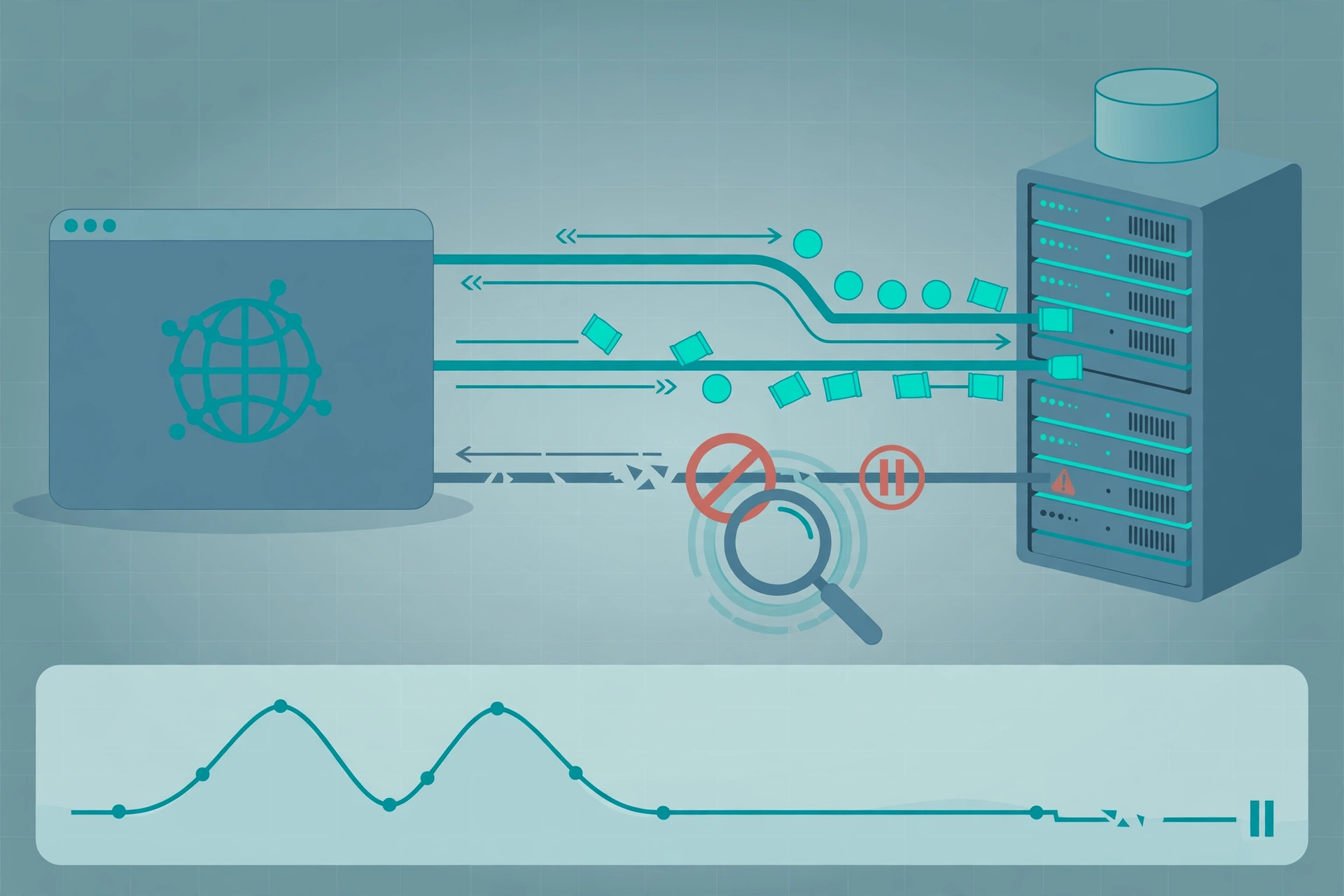
Read the Network tab first: open checkout in a private window with a product in the cart, F12 → Network → filter Fetch/XHR → reload, and inspect the checkout request’s Response. -1 = cached nonce; HTML = corrupted response; valid JSON but still spinning = JS conflict; no request at all = missing/blocked scripts; 403 = firewall. Then apply the matching fix, with our free web tools handy.
- Stop caching the checkout page. Exclude cart, checkout, and my-account pages from every cache layer — your caching plugin, server cache, and CDN. Purge everything, then retest in a private window. If you use Cloudflare, bypass cache for the checkout URL and disable Rocket Loader. Checkout must stay fully dynamic for sessions and nonces to work.
- Remove the HTML-instead-of-JSON culprits. Check your web root for an
index.htmlfile sitting besideindex.php— rename it (e.g.index.html.bak) and retest. Disable HTML minify and script-combine features on checkout pages in your optimization plugin, and adddefine('WP_DEBUG_LOG', true);towp-config.phpthen readwp-content/debug.logfor PHP notices polluting the response. - Fix JavaScript conflicts. Open the browser console and look for red errors firing before WooCommerce’s scripts. Deactivate plugins one by one (optimization and custom-checkout plugins first), and temporarily switch to Storefront. If the theme overrides
checkout/form-checkout.php, compare it against the core version under WooCommerce → Status → Templates and update the outdated override. - Defer transactional emails. If the spinner stalls during order processing, emails sent mid-AJAX may be the bottleneck. Add
add_filter('woocommerce_defer_transactional_emails', '__return_true');via the Code Snippets plugin (or a child theme’s functions.php) so emails send after the order completes. - Raise memory and check WooCommerce logs. Go to WooCommerce → Status → Logs and open the latest log for gateway, shipping, or PHP errors — one error can stall the whole update. Raise
WP_MEMORY_LIMITto at least 256M, and confirm the WP Memory Limit row in WooCommerce → Status is healthy. - Check firewalls and URL settings. Whitelist the checkout AJAX endpoints in your security plugin and server firewall (ask your host about ModSecurity rules blocking them). Also confirm Settings → General URLs match exactly — AJAX requests fail across mismatched domains. Browse KamiWeb’s plugin resources for maintenance tools.
Conclusion
The WooCommerce checkout endless spinner fix starts with the Network tab: the response tells you whether it’s a cached nonce (-1), corrupted JSON, a JS conflict, or a firewall block. Stop caching checkout, clean up the AJAX response, fix script conflicts, and the spinner resolves into a working order review. More fixes at KamiWeb.