
An SEO traffic drop can feel like a disaster, especially when your rankings look stable and nothing on your site seems broken. Before you rewrite every article or buy backlinks in a panic, stop and diagnose the problem properly. Most traffic drops in 2026 have a clear cause, and most are fixable.
In this guide, you will learn how to fix an SEO traffic drop in 2026 step by step: check whether the drop is real, match it to Google updates and AI Overviews, rule out technical problems, segment the loss in Search Console, and repair the pages that lost traffic.
What an SEO Traffic Drop Really Means
A drop in clicks is not always a drop in rankings. In 2026, Google shows AI Overviews, featured snippets, video results and local packs above the classic blue links. A page can hold its position and still receive fewer clicks because the results page itself changed. That is why the first rule of recovery is simple: diagnose before you edit.
Step 1: Confirm the Drop Is Real
Check that the drop appears in more than one place. Compare Google Search Console with your analytics tool for the same period, and compare the same days of the week. A tracking tag removed during a site update, a new consent banner, or a reporting delay can all look like a traffic crash.
- Note the exact date the decline began, and whether it was sudden or gradual.
- Compare the drop period with an equal period before it, and with the same period last year.
- Rule out seasonality first, especially for holiday or shopping topics.
Step 2: Check Google Updates and AI Overviews
Match the start date of the drop to confirmed Google core updates. Core updates can roll out over about two weeks, so a decline that begins inside a rollout window is a stronger signal than one that starts weeks later. If you are mid-rollout, wait until it finishes before judging the full damage.
Then look at the live search results for your main queries. If an AI Overview now answers the question directly, users may get what they need without clicking. Check whether impressions held steady while clicks fell, which points to a results-page change rather than a ranking loss. For affected pages, add a direct answer in the first two sentences, then support it with detail and examples. Explore more guides on the KamiWeb blog.
Step 3: Rule Out Technical Problems
Technical faults are the silent killers of organic traffic, and the fastest to fix. A staging robots.txt file pushed live, a noindex tag left on key pages, slow pages or a wave of 404 errors can all cut traffic overnight. Work through these checks before touching your content.
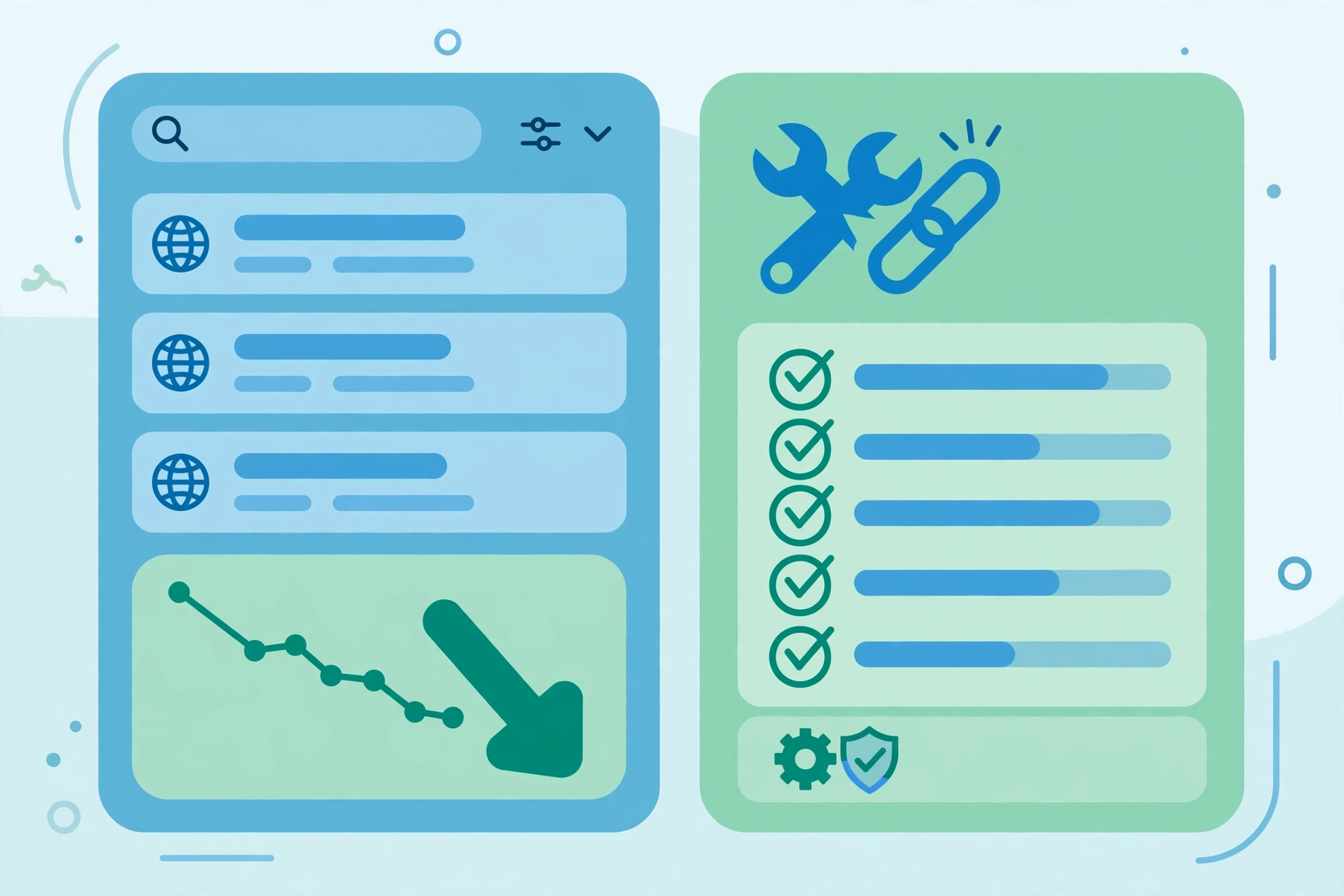
- Confirm robots.txt allows Googlebot and important pages are not set to noindex.
- Check Search Console coverage for indexing and server errors.
- Test mobile page speed, fix broken internal links, and repair redirect chains.
- Make sure your XML sitemap is valid and submitted.
Step 4: Segment the Loss in Search Console
Open the Search Console Performance report and segment the loss by page, query, device and country. A site-wide decline points to a broad quality or technical issue, while a decline in one section points to that section alone. A mobile-only drop points to a mobile problem.
Look at impressions, clicks and average position separately. Stable positions with falling clicks suggest the results page changed, while falling positions and impressions suggest relevance or quality problems.
Step 5: Fix Content, Snippets and Internal Links
Fix only the pages that actually lost traffic, starting with your highest-value pages. Update thin or outdated content with fresh data and clearer answers. Rewrite titles and meta descriptions so they match search intent and stand out against AI answers. Use question-based H2 headings, short paragraphs and lists.
Strengthen internal linking too. Link from your strongest pages to the pages that lost traffic, using descriptive anchor text, and fix orphan pages. Good internal links spread authority and help Google rediscover updated content faster. Try the free KamiWeb tools while you fix these pages.
Step 6: Recover Authority and Monitor for 30 Days
If you lost important backlinks, check your lost-links report and reclaim what you can. Fix 404 pages that still attract links with a 301 redirect. Build new links slowly through guest posts and useful resources, and avoid buying bulk links.
After your fixes, monitor for at least 30 days before judging the result. Rankings rarely recover overnight, and further edits during that window can hide what worked. Track clicks, impressions and conversions, not just positions, and log every change with its date.
Common Mistakes to Avoid
Do not rewrite your whole site after one bad week, delete pages without evidence, or change titles on pages that still perform well. Panic edits make drops worse because they destroy signals Google already trusted. Fix confirmed problems first, improve your best lost pages second, and leave healthy pages alone.
Conclusion
Fixing an SEO traffic drop in 2026 is a diagnosis first and a repair second. Confirm the drop, check updates and AI Overviews, rule out technical faults, segment the loss, and then fix the pages that matter most. Work through the steps in order and monitor patiently. For more guides, browse the KamiWeb blog and the WordPress themes section.