
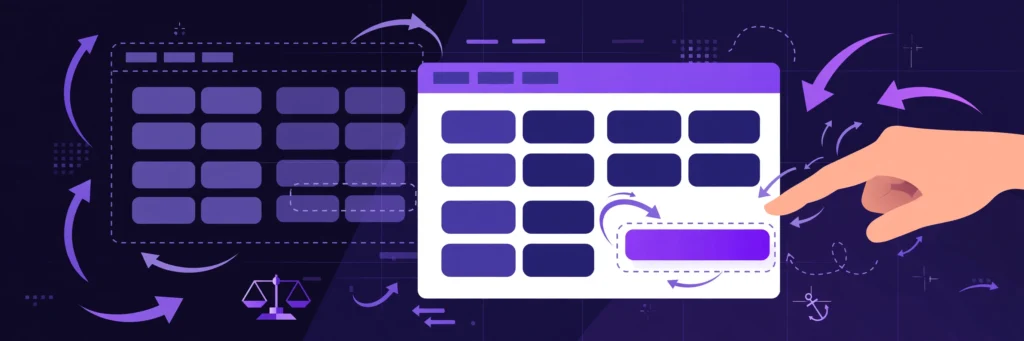
Visitors try to tap a button and the page jumps at the last millisecond — Search Console calls it a “CLS issue”. The CLS issue Core Web Vitals fix is about visual stability: Cumulative Layout Shift measures how much page content unexpectedly moves around while loading. Google’s threshold is 0.1 or less at the 75th percentile of real visits. This 2026 guide shows you how to find every shift source and lock your layout down.
CLS is the most relatable of the Core Web Vitals: everyone has experienced the jumping button. It happens when the browser first renders the page without knowing how much space something will need — an image with no dimensions, an ad slot, a web font that changes text size — and then reflows everything when the real content arrives. Each unexpected shift adds to the score; expected shifts (like opening a menu you tapped) do not count.
What Causes CLS Issues
- Images and videos without dimensions: the browser reserves zero space, then the layout jumps when the media loads.
- Ads, embeds, and iframes with no reserved space: a 300×250 ad arriving late shoves content down.
- Dynamically injected content: banners, popups, or related-post widgets inserted above existing content after load.
- Web fonts causing FOUT/FOIT: fallback text renders, then the custom font arrives with different metrics and reflows every line.
- Animations of layout properties: animating top, left, width, or height forces reflow on every frame.
- Cookie banners and notification bars: pushing the whole page down when they appear late.
How to Fix the CLS Issue: 7 Steps
Step 1: Find the shifting elements
Open the failing page in Chrome DevTools → Performance, record a load, and look for the Layout Shift markers — DevTools highlights exactly which elements moved. PageSpeed Insights’ Diagnostics also lists shift sources. Fix the biggest shifters first; one unreserved hero image often dominates the score.
Step 2: Add dimensions to every image and video
Always set width and height attributes on <img> and <video> tags. The browser uses them to reserve the correct space before the file arrives. For responsive images, keep the attributes and let CSS scale with height: auto — the aspect ratio is preserved and nothing jumps.
Step 3: Reserve space for ads, embeds, and iframes
Give every ad slot, YouTube embed, and social widget a fixed-size container before it loads — use CSS aspect-ratio or a min-height that matches the expected content. If an ad sometimes does not fill, the reserved box stays empty rather than collapsing and shifting everything below it.

Step 4: Fix web-font shifts
Use font-display: swap so text renders immediately, and pick a fallback font with similar metrics — or better, use size-adjust and ascent-override in @font-face to make the fallback match the custom font’s sizing. Preload critical fonts. The goal: when the web font arrives, line breaks do not change.
Step 5: Stop injecting content above existing content
Never insert banners, notices, or widgets above content the user is already reading. If something must appear after load, reserve its space in the initial layout or overlay it without moving the page (fixed positioning). Cookie consent bars should overlay the bottom of the viewport, not push content down.
Step 6: Animate with transform and opacity only
Replace animations of top, left, width, and height with transform: translate() and opacity. Transform animations run on the compositor thread — they do not trigger layout recalculation, so they cannot cause shifts. This one change fixes CLS on many animation-heavy themes.
Step 7: Validate and watch field data
Re-test with PageSpeed Insights to confirm the lab CLS is near zero, then click Validate fix in Search Console’s Core Web Vitals report. The field-data row clears over the 28-day rolling window — lab results confirm the fix today, field data confirms it for your visitors over the coming weeks. For the loading-speed sibling metric, read our LCP issue fix.
How to Prevent CLS Regressions
Make “reserve space first” a publishing rule: every image gets dimensions, every embed gets a container, every banner gets a pre-allocated slot. Review new plugins and ad placements for layout impact before they go live — affiliate product boxes and injected widgets are the classic regression source on WordPress. Keep a free speed audit tool in your monthly routine to catch new shift sources early.
Conclusion
CLS is the most fixable Core Web Vital: set dimensions on media, reserve space for dynamic content, tame web fonts, and animate with transforms. Find the shifters in DevTools, lock the layout down, and the 0.1 threshold is very achievable. For more stability and speed wins, keep reading the KamiWeb blog.