

Learning how to choose web hosting is the first real decision you make when you build a website. The right host keeps your site fast, secure and online around the clock, while the wrong one can mean slow load times, surprise renewal bills and downtime exactly when visitors arrive. This guide walks you through nine factors that actually matter in 2026, so you can pick a plan with confidence instead of guessing from a discount banner.
1. Know What Kind of Site You Are Building
Start with your own project, not with a pricing page. A personal blog, portfolio or small business site usually runs perfectly well on shared hosting, where several sites share one server and costs stay low. A growing store or a site with heavy traffic needs more power, so managed WordPress hosting or a virtual private server makes more sense. Matching the hosting type to your real needs stops you from overpaying for resources you will never use, and from outgrowing a cheap plan in three months.
2. Check the Uptime Guarantee and the Fine Print
Uptime is the percentage of time your site stays online. A 99.9% guarantee still allows around 43 minutes of downtime every month, while 99.95% cuts that to about 22 minutes. The number alone is not enough, though. Read what happens when the host misses its promise: does it credit your account, or is the guarantee just marketing? Independent monitoring tools and public status pages will tell you whether a provider actually honours its claims.
3. Look at the Speed Stack: NVMe, LiteSpeed and Caching
Speed is not a luxury. Visitors abandon pages that take more than a few seconds to load, and search engines rank faster sites higher. In 2026 the baseline for fast hosting is NVMe SSD storage, which is several times faster than older SATA drives, plus a LiteSpeed or NGINX web server and server-level caching. If a host still advertises plain “SSD” without saying NVMe, it is selling older hardware.
4. Compare Renewal Prices, Not Intro Prices
The price on the homepage is almost always a first-term rate. Renewal prices are typically two to three times higher, and that is where hosts make their money. Before you buy, find the renewal rate and work out your two-year cost. A plan that looks like $2.99 a month but renews at $10.99 is a very different deal from one that renews at $6.
5. Test Support Before You Pay
Good support matters most in your first weeks, when setup questions pile up. Send the host a pre-sales technical question through live chat before you buy. Fast, technically literate answers are a good sign; scripted copy-paste replies are a red flag. Check whether support runs 24/7 and whether it covers your preferred language.
6. Demand Security Features and Automated Backups
Security is part of hosting, not an optional extra. Every plan should include a free SSL certificate, which browsers now require, plus malware scanning and a firewall. Backups are equally non-negotiable: look for daily automated backups stored on separate infrastructure, and check how many days are retained and whether restoring costs extra.
7. Pick a Server Location Near Your Audience
Distance still matters. Every thousand kilometres between your server and your visitor adds latency, so a server in Singapore will feel noticeably faster for a South Asian audience than one in Virginia. Good hosts let you choose a data centre region, or they include a free CDN that compensates for distance.
8. Make Sure You Can Grow and Leave
Your first plan should not be your last. Check that the host offers a clear upgrade path, from shared hosting to VPS or cloud plans, without forcing a manual migration. Free website migration is a strong plus, both for moving in and for moving out later.
9. Read Real Reviews, Not Affiliate Lists
Most “best hosting” lists rank whichever provider pays the highest commission. Cross-check independent tests, Trustpilot scores and community discussions, and prefer reviews that disclose their testing method, such as measured load times and uptime logs. A host with a 4.7 out of 5 rating and a 99.99% uptime record tells a very different story from one with flashy ads and a 3.8 rating.
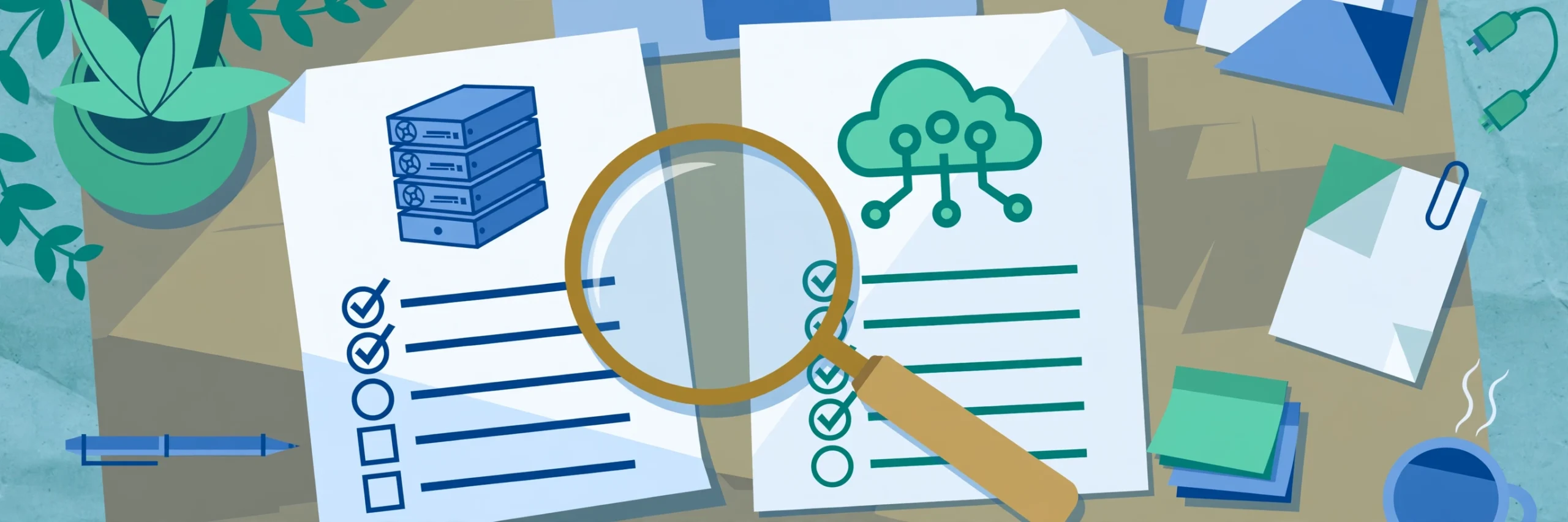
Quick Checklist Before You Buy
- Match the hosting type to your site and expected traffic.
- Confirm at least 99.9% uptime with a real remedy for misses.
- Check for NVMe storage, LiteSpeed or NGINX, and caching.
- Write down the renewal price and the two-year total cost.
- Test live chat support with a real technical question.
- Confirm free SSL, daily backups and free migration.
- Choose a data centre near your audience or a free CDN.
- Make sure upgrades to VPS or cloud hosting are simple.
Common Mistakes to Avoid
Three mistakes cause most beginner hosting horror stories: free hosts with forced ads, plans with no money-back guarantee, and ignoring backups until the first crash. Stick to established providers with a 30-day money-back window, and you can test a host properly before committing.
Final Verdict
Choosing web hosting in 2026 is not about finding the lowest price or the biggest storage number. It is about finding the provider whose renewal price, server location, support quality and upgrade path match your actual needs. Work through the nine factors above, shortlist two or three hosts, test their support, and start with a plan you can grow out of. If you are still deciding between plan types, explore more guides on our blog, browse the free utilities on KamiWeb Tools, or start from the KamiWeb homepage to see everything in one place.