

You open a page that used to exist and instead of content you get a stark 410 Gone error. Unlike the familiar 404, a 410 gone error fix starts from a different premise: the server is not saying “I can’t find it” — it is saying “it was here, it was deleted on purpose, and it is never coming back.” This 2026 guide explains what the 410 status means, when you should (and should not) use it, and how to fix 410 errors that appear by mistake on your WordPress site.
Here is the key distinction. A 404 Not Found is ambiguous: the resource might have moved, the URL might be mistyped, or it might return one day. A 410 Gone is deliberate and permanent — the server explicitly declares the resource was intentionally removed with no forwarding address. Search engines treat them differently too: Google drops 410 URLs from its index faster than 404s, because the 410 is a clear deindexing signal. That makes 410 the right tool for retired content — and a nasty surprise when it fires accidentally.
What Causes a 410 Gone Error
- Intentionally deleted content: discontinued products, expired promotions, removed landing pages served with 410 on purpose.
- Aggressive redirect or security rules: .htaccess RewriteRules with the [G] flag, or security plugins returning 410 for blocked patterns.
- Broken .htaccess or server config: a miswritten rule matching live URLs and flagging them gone.
- Stale cache: a CDN or caching layer serving an old 410 response after the page was restored.
- CMS or plugin behaviour: some SEO and security plugins can emit 410 for trashed or quarantined content.
- Expired token URLs: single-use download or preview links designed to 410 after use.
410 vs 404 vs 301: Which Should You Use?
Pick the wrong status and you either confuse visitors or bleed SEO value. The rule is simple:
- Use 410 when content is permanently deleted and there is no replacement — old campaigns, discontinued products, removed documentation.
- Use 301 when the content moved — redirect the old URL to its replacement to preserve rankings and backlinks.
- Use 404 when you are not sure the removal is permanent, or for genuinely mistyped URLs.
If a deleted page has backlinks or traffic, a 301 to the closest relevant page is almost always better than a 410 — do not throw away link equity. Our WordPress 404 guide covers redirect strategy in depth.
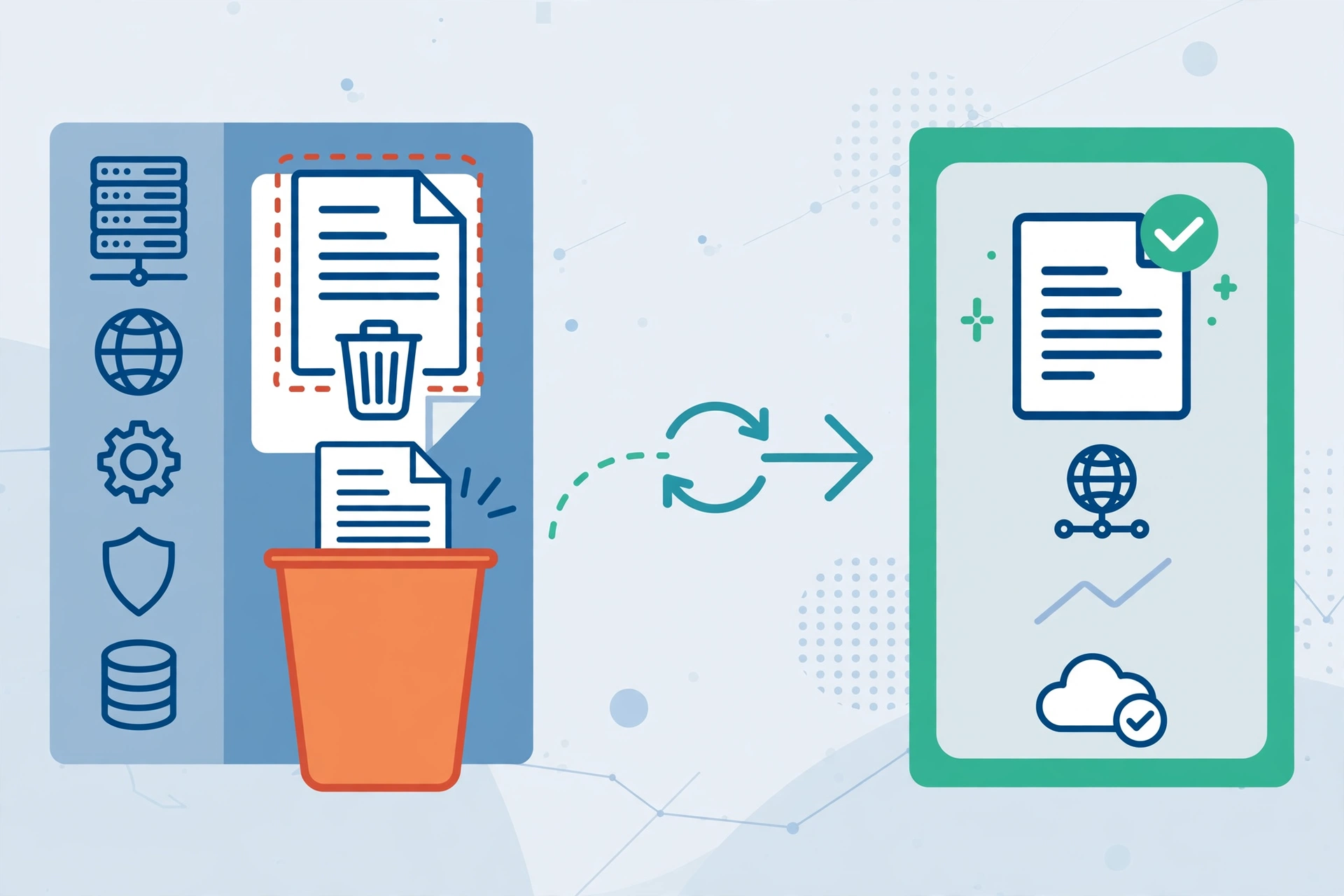
How to Fix an Unintended 410 Error: 6 Steps
Step 1: Confirm the 410 is real
Test the URL with curl -I https://yoursite.com/page or an online HTTP status checker. Confirm the response is genuinely 410 Gone and not a cached copy — test in an incognito window and bypass your CDN temporarily.
Step 2: Check .htaccess for [G] rules
Open your .htaccess file and search for the [G] flag or Redirect gone / RedirectMatch gone directives. A rule like RewriteRule ^old-section/ - [G,L] returns 410 for everything under that path — make sure its pattern is not matching URLs you want live. Back up .htaccess before editing.
Step 3: Audit plugins and security rules
Deactivate SEO, redirect, and security plugins one group at a time and retest. Some security plugins return 410 for requests matching block patterns, and a misconfigured pattern can catch legitimate pages. Check each plugin’s settings for anything mentioning “gone” or “410”.
Step 4: Purge every cache layer
If the page was restored after being deleted, a CDN, reverse proxy, or caching plugin may still serve the old 410. Purge your caching plugin, your host’s server cache, and your CDN cache (or purge the specific URL). Remember that 410 responses are cacheable by default.
Step 5: Restore the content or redirect it
If the page should exist, restore it from backup. If it should not exist but has traffic or backlinks, replace the 410 with a 301 redirect to the most relevant live page. If it should stay gone, leave the 410 — it is doing its job.
Step 6: Clean up internal links and Search Console
Remove or update internal links pointing at the 410 URL. In Search Console, the URL will drop from the index on its own; you can request removal for faster deindexing if the content is sensitive. Monitor the Pages report to confirm the status clears.
How to Serve 410 Correctly (When You Want It)
On Apache, add to .htaccess: RewriteRule ^old-page\.html$ - [G,L] or Redirect 410 /old-page.html. On Nginx: location /old-page { return 410; }. In WordPress, the Redirection plugin supports 410 responses, or hook template_redirect to send the header. Serve a helpful custom 410 page explaining the content was retired and linking to related content — a dead end with no guidance wastes the visitor. A quick check with a free HTTP status tool confirms the code is served correctly.
Conclusion
A 410 Gone error is the web’s “permanently closed” sign — perfect for retired content, harmful when it fires by accident. When it appears unexpectedly, check .htaccess [G] rules, plugin behaviour, and stale caches, then restore the page or convert the 410 to a proper 301. Used deliberately, it keeps your site clean and tells Google exactly what you mean. For more HTTP errors explained plainly, keep reading the KamiWeb blog.